BloxFit
Roblox Outfit Checker for Classic Shirts & Pants
Drop in your 585×559 shirt or pants template and check your fit on a 3D Roblox avatar — instantly and free.
Upload your shirt & pants PNG · 585 × 559
Template view shirt layered over pants
Blank template
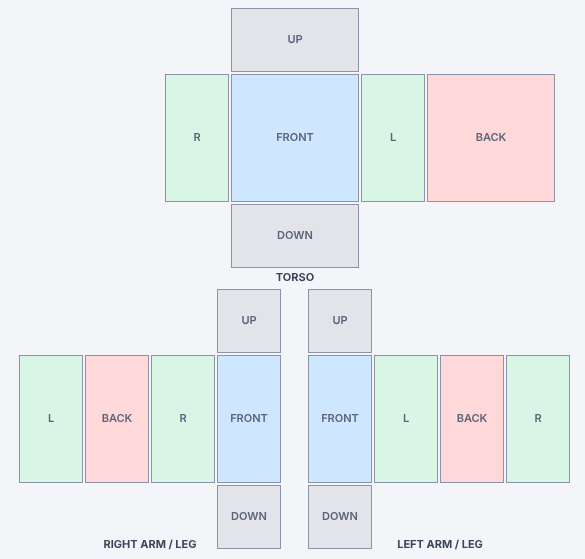
Download the blank Roblox shirts & pants template, or long-press (phone) / right-click (computer) the image to save it, then design on top of it in Photoshop, Photopea or any editor.
Real-Time Preview
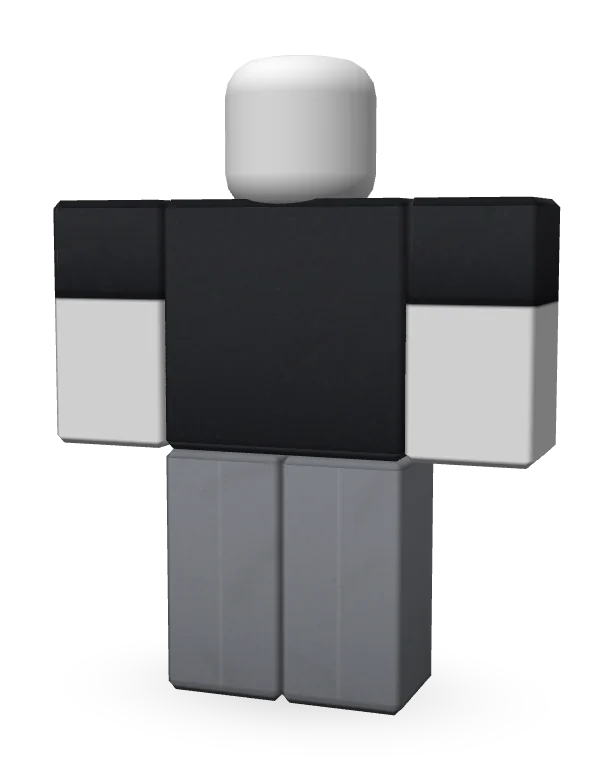
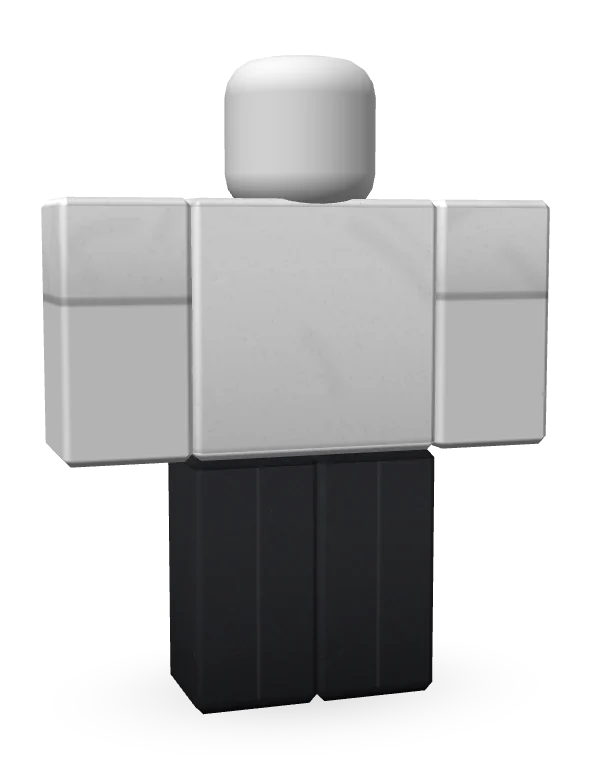
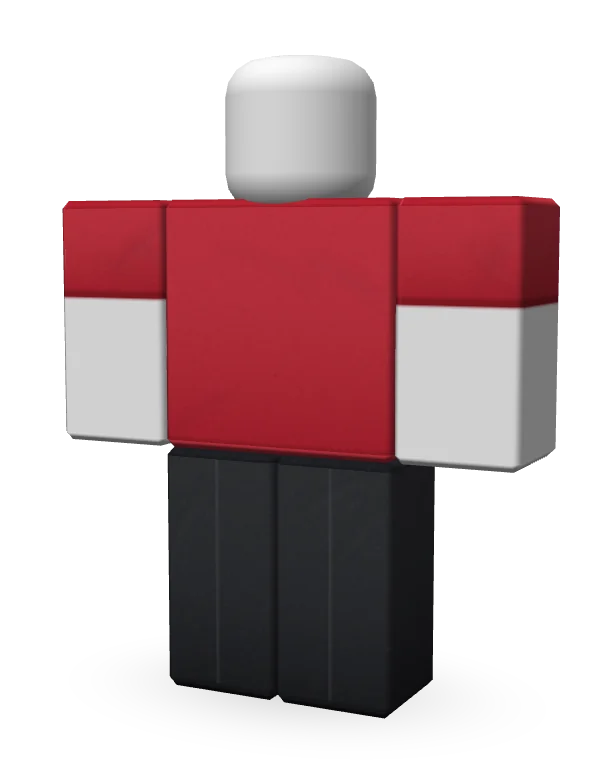
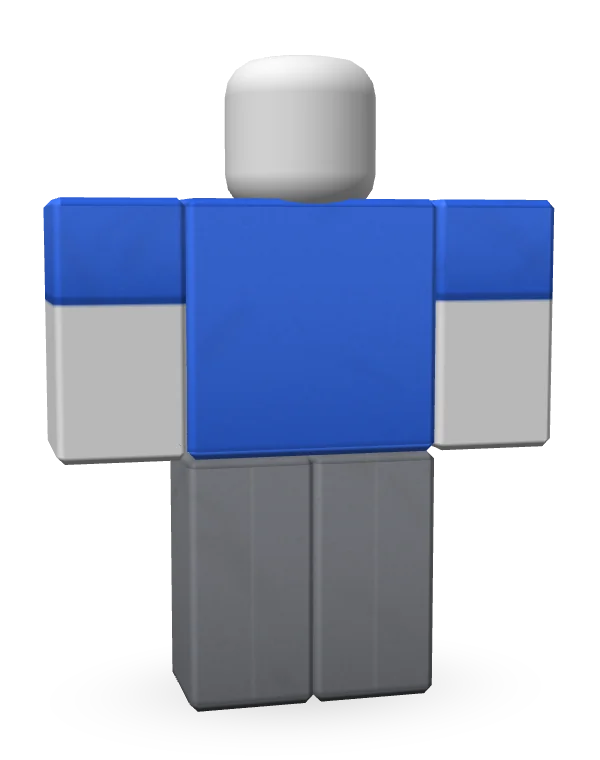
Accurate Visualizations
What you see is what you get
BloxFit is a Roblox outfit checker built for clothing designers. Upload a classic shirt or pants template and it wraps onto a 3D blocky avatar exactly the way Roblox reads the 585×559 layout: torso, both arms, both legs, and every front, back, side, top and bottom panel. If a seam is off, a sleeve is flipped or a logo sits too low, you'll spot it here before anyone sees it in-game.
Use it as a Roblox shirt checker, a Roblox pants checker, or both together to check the whole fit. Spin the avatar all the way around, jump to front, back and side views, zoom in up to 300%, and switch body colours to see how your design works on different avatars.
One checker for every classic outfit
Classic Shirts & Pants
BloxFit is made only for Roblox classic shirts and classic pants. Use it as a Roblox classic shirt checker for tees, hoodies, jackets and button-ups, or as a Roblox classic pants checker for jeans, cargos and joggers. Need a quick Roblox pant checker before a new drop, or a Roblox shirts checker for a whole collection? Upload each file, check it from every side, then move on to the next one.
Earn Robux
Turn good designs into Robux
Clothing that looks clean sells better. Every time you upload a shirt or pants to Roblox, it costs you time, and a mistake means doing it again. With BloxFit you check your Roblox classic shirts and pants first, fix anything that looks wrong, and upload a design that's ready from the very first try.
Polished clothing stands out in the Marketplace, gets tried on more and gets bought more, which means more Robux for you or your group store. Check every new drop with the Roblox fit checker before it goes live.
How to use the Roblox shirts and pants checker
Upload
Add a shirt, pants, or both. Any image is scaled to the official 585×559 Roblox template size automatically.
Check your fit
Spin the avatar, jump to front, back and side views, zoom in and try different body colours.
Fix & re-upload
Spot seams or misaligned panels, tweak your file and drop it in again. The preview updates instantly.
Frequently Asked Questions
What is BloxFit?
BloxFit is a free Roblox outfit checker. You upload your classic shirts and pants templates and see them on a 3D blocky avatar straight away, so you can check how your design looks from every side before you put it on Roblox.
How do I check my Roblox shirts and pants before uploading them?
Tap Upload under Shirts or Pants and pick your PNG file. The Roblox shirts and pants checker puts it on the avatar right away. Spin the avatar, switch between Front, Back, Left and Right, and zoom in to make sure the torso, both sleeves and both legs line up the way you want. Upload shirts and pants together to check the whole fit, with the shirt layered over the pants just like in the game.
What kind of Roblox clothing does BloxFit support?
BloxFit only supports Roblox classic shirts and classic pants, the 2D clothing made from the 585 × 559 template.
Is the Roblox fit checker free?
Yes, BloxFit is completely free. There is no sign-up, no download and no watermark. Open the page, upload your clothing and start checking.
What size should a Roblox classic shirt or pants template be?
Roblox classic shirts and pants use a 585 × 559 pixel PNG template. If your image is a different size, BloxFit scales it so you can still preview it, and shows a warning so you can fix the size before you upload to Roblox.
Why does my shirt look wrong on the avatar?
Usually a panel is in the wrong spot on the template, the image is the wrong size, or part of the design spills over the edge of a panel. Turn on the guide lines in the Template view to see exactly where the front, back, sides, top and bottom of each body part go.
Does BloxFit work on my phone?
Yes. The Roblox outfit checker works in any modern browser on phones, tablets and computers. On a phone, drag with one finger to rotate the avatar and pinch with two fingers to zoom.
Are my designs uploaded or saved anywhere?
No. Everything happens inside your own browser. Your shirts and pants images never leave your device, so your unreleased designs stay private.
Can I sell the clothes I check on BloxFit?
BloxFit only shows you a preview. Once your design looks right, upload it to Roblox through the Creator Hub and follow Roblox's current rules for selling clothing, including any upload fees.